Setting up a test session
To set up a test session, follow these steps:
-
From the home page, select Test Session.
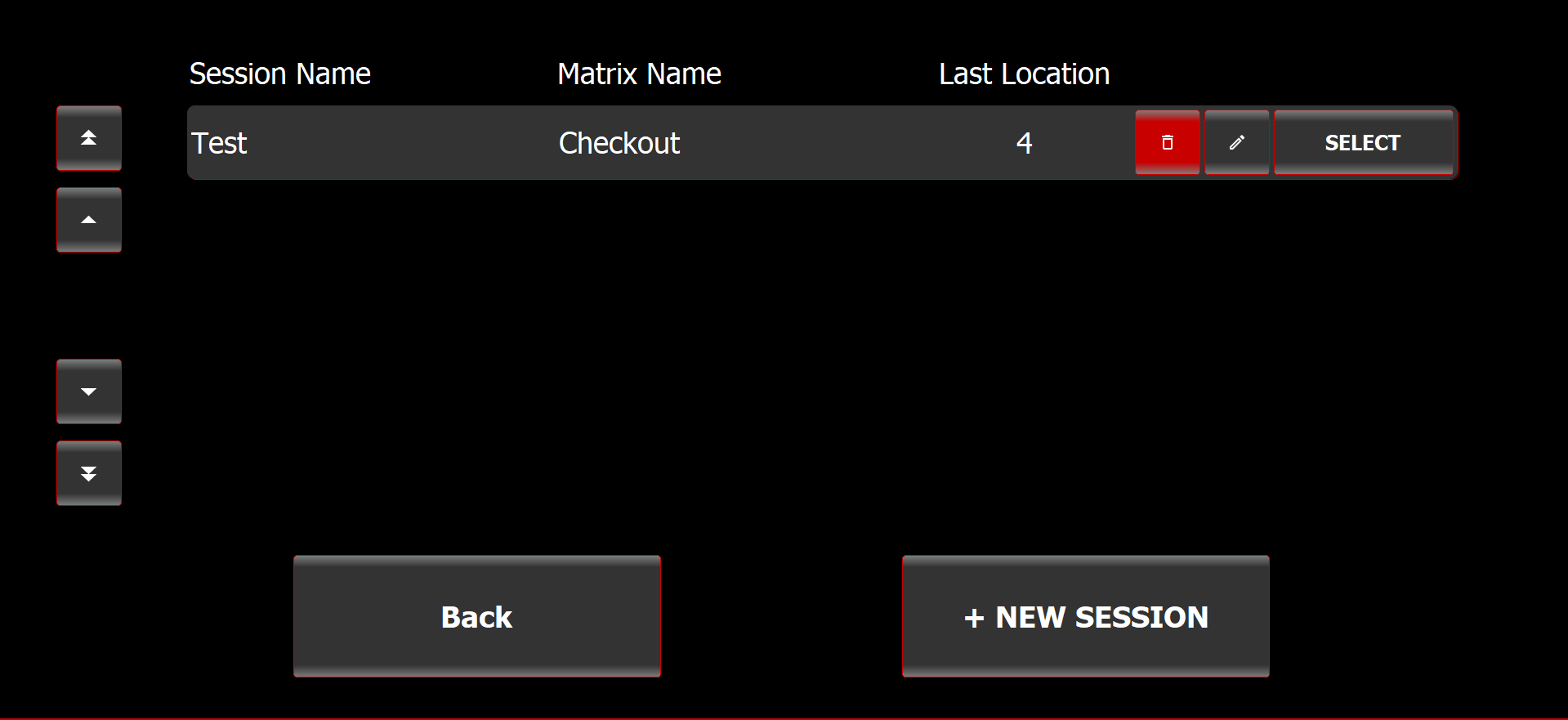
The Select Session screen is displayed.
Select Session screen
-
Select New Session.
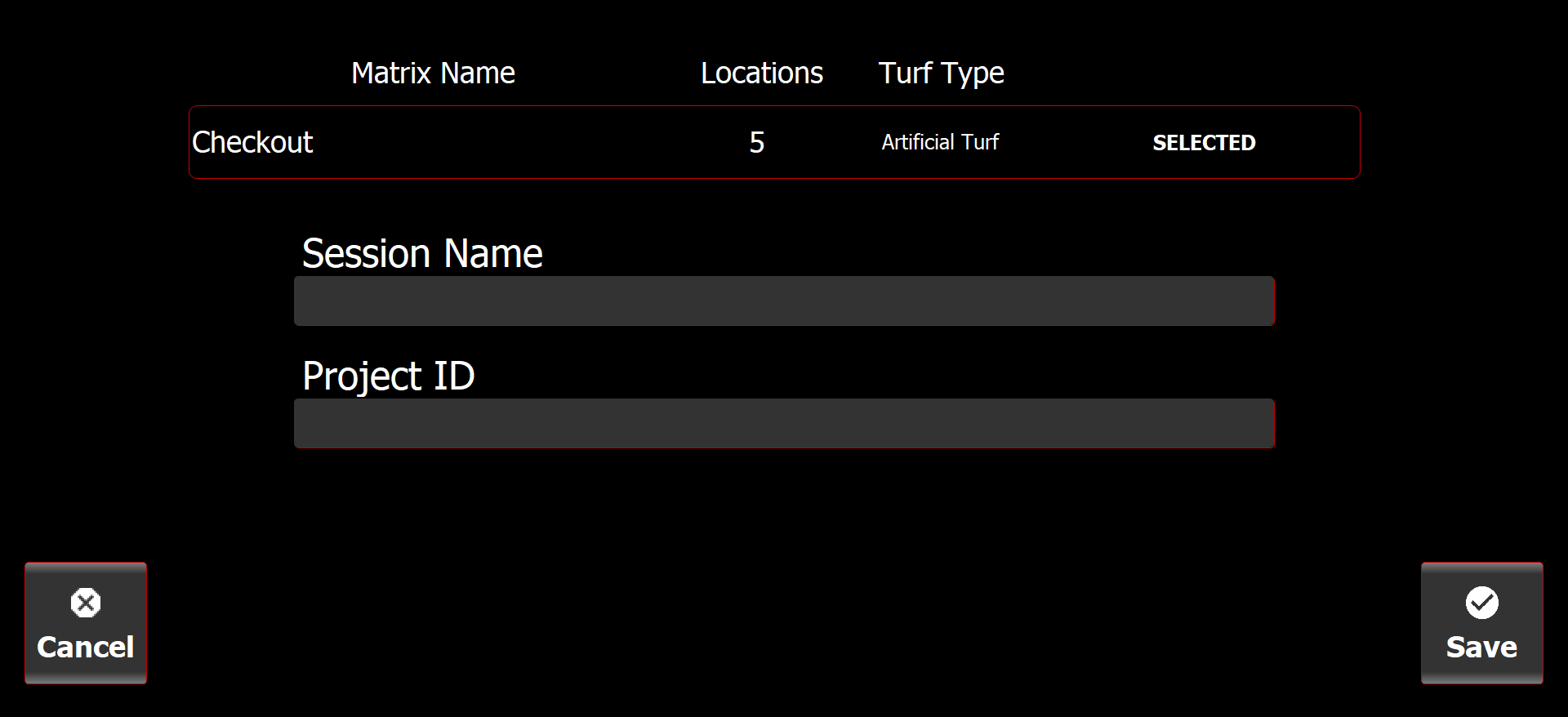
The Create Test Session screen is displayed.
Create Test Session screen
-
Select an existing test matrix or add a new matrix.
► See "Setting up a new test matrix". -
Enter the Session Name and Project ID.
Use the naming conventions specified during your Biocore training.
-
Select Save.