Setting up a new field
To set up a new field, follow these steps:
-
From the HMI home page, select Set Testing Location.
-
Select ADD NEW FIELD.
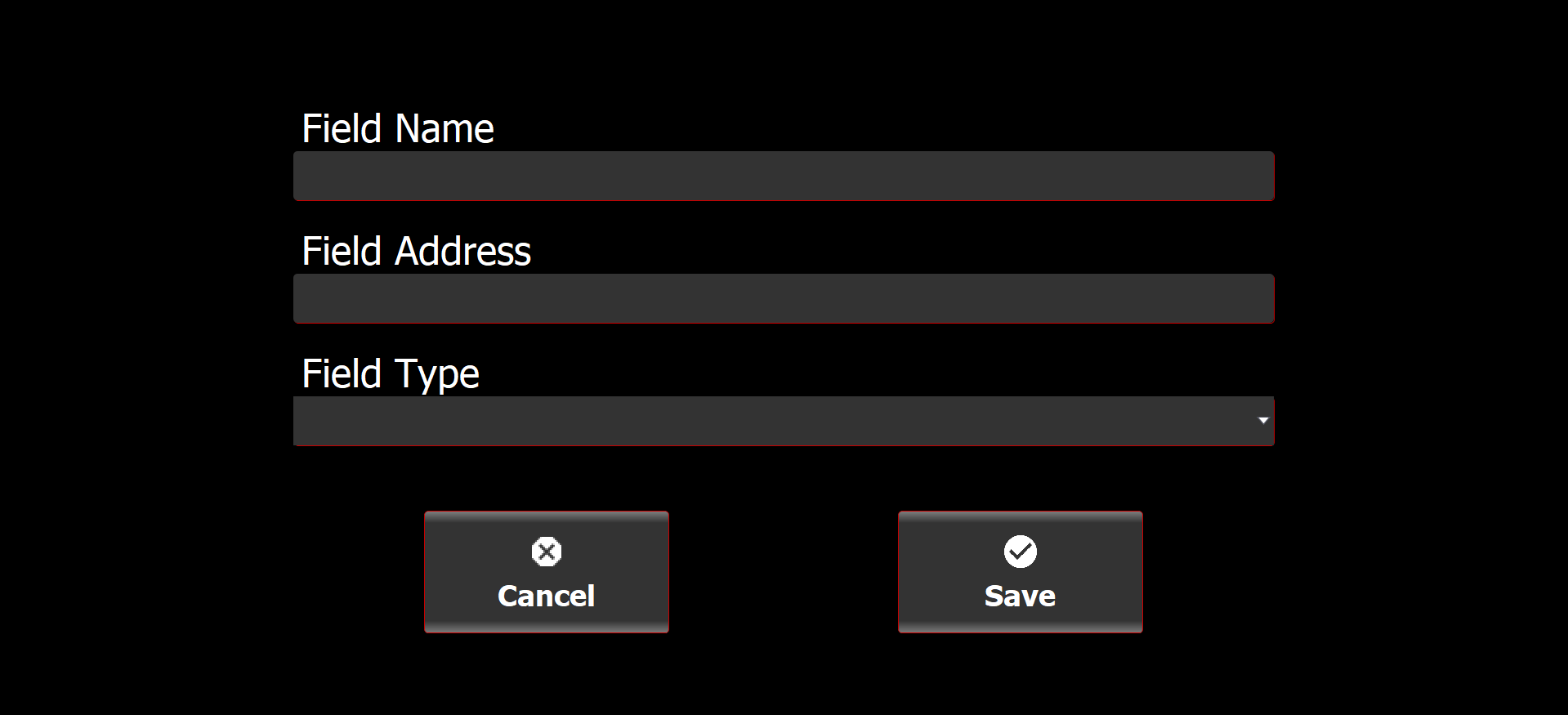
The Create Field screen is displayed.
Create Field screen
-
Add field information.
-
Field name
-
Field address
-
Field type (Natural or artificial)
-
-
Select Save.
The new field is now added to the Field List.